How Rail Intel works
Rail Intel replaces the spreadsheet that tracks who is competent with a live system of record. Here is what implementation actually looks like.
Six steps from spreadsheet to system of record
Most operators are live on their first cycles within weeks, because the configuration follows standards you already work to.
-
Configure your standard
Set up your organisation structure, job roles, grading scale, traction, routes and depots, and the timing standards your operation works to. This is the vocabulary everything else uses.
-
Build your competency cycles
Use Cycle Builder to create the cycles each role must complete — from a template or from scratch — with their criteria and scheduled assessment events.
-
Load your people
Create employee records with their licences, medicals, cab passes, training and experience. Each person ends up with one record covering everything that determines whether they can sign on.
-
Assess in the field
Assessors work against structured criteria, recording observations as they are made. Findings that fall short are flagged, and a competence development plan can be raised on the spot.
-
Monitor and act
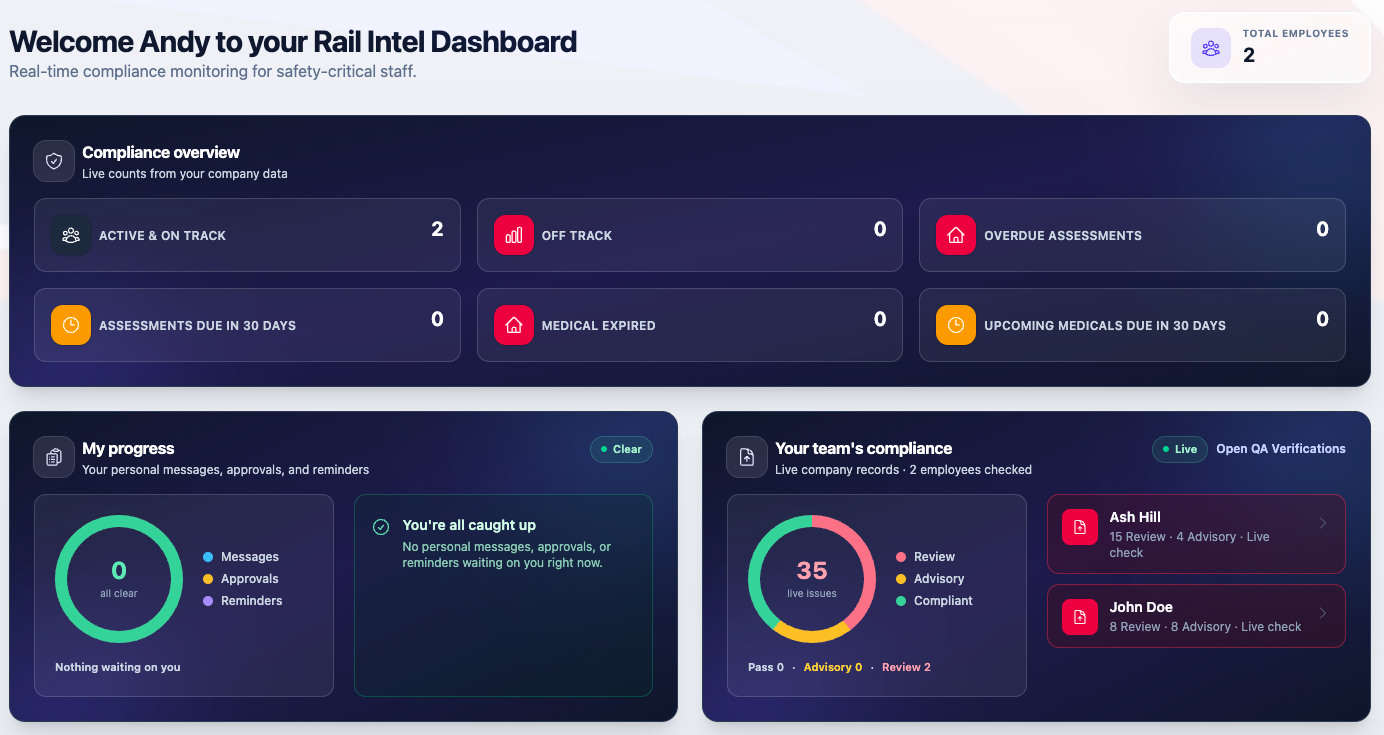
The dashboard shows who is on track, off track, overdue or due soon. Expired medicals and lapsed mandatory competencies mark a person as not safe to work before they reach the railway.
-
Evidence it
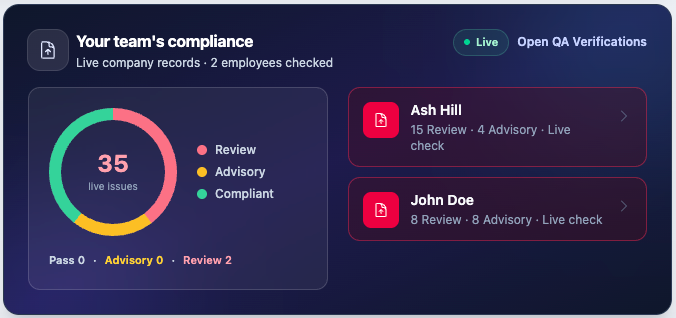
Reporting gives the position across the workforce, and the QA Verifications module produces per-employee compliance evidence with a retained run history for audit.
Where the screenshots come from
Every screenshot across this site is taken from the live Rail Intel application. Use the expand control on any image to view it at full resolution.