
Medicals and licences
ORR medicals, fitness status, train driving licences, categories and complementary certificates are held on the same employee record, each with an expiry date. When a medical lapses, fitness is unfit, or a licence is out of date, the employee is marked off track and their assigned manager is notified immediately.
Safety-critical duties are not available until the record is current; only non-safety-critical work remains possible. Rail Intel monitors every deadline and surfaces the position on the dashboard and in reporting, rather than leaving it to be noticed.
Medical records and fitness status
Medical records carry fitness status, the issuing clinician and the expiry date. A status of unfit or an expired medical marks the employee as not safe to work, which surfaces on the dashboard and in reporting rather than waiting to be noticed.

The company Medicals page gives the position across the workforce, including which medicals are due within the next 30 days.

UK ORR registered psychologists and doctors

When recording an ORR medical, the assessing psychologist and doctor are selected from registers built into Rail Intel. Both lists are pre-populated with ORR registered practitioners and searchable by name or registration code, so each medical is linked to the correct clinician from the outset.
Where a newly appointed psychologist or doctor is not yet on the list, company administrators can add them directly from the medical form, keeping the register current as your panel of clinicians changes, without waiting for a system update.



Driving licences and categories
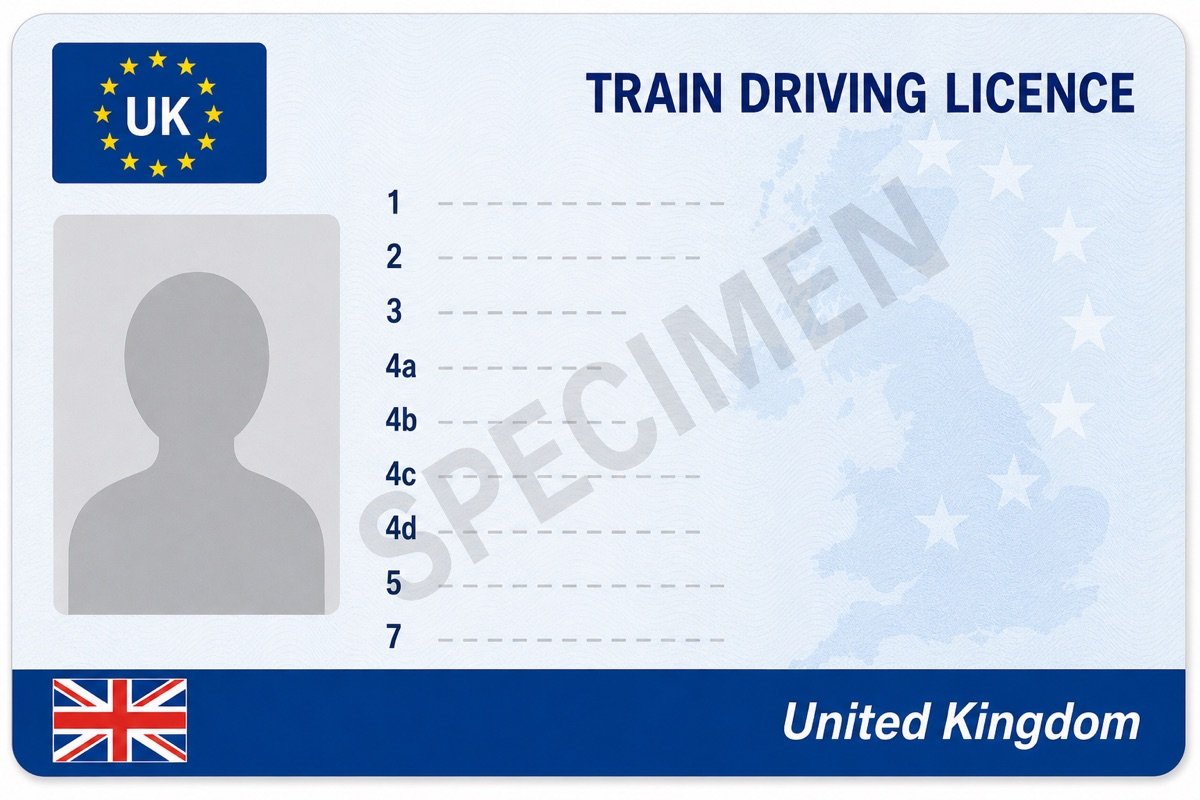
Train driving licences are held with the front and back images, licence number, issue and expiry dates and the categories carried. Renewal warnings appear ahead of expiry with the number of days remaining.
Reading licence number and dates…
- Upload a train driving licence and Rail Intel reads the images — populating number, expiry, categories, language and restrictions for you to review, eliminating manual input errors.
- If the front or back of the licence is placed into the wrong field, the system detects this and places each side in the correct holder — eliminating upload errors.
- Rail Intel automatically alerts you if a licence is due for renewal or has expired.
*Digital Scanning & Recognition technology supports UK train licences only.

Complementary certificates
Fully AutomatedThe complementary certificate (Part B) is held alongside the licence, covering the infrastructure, traction and routes the driver is certified for.
When a licence is digitally scanned, Rail Intel populates the certificate automatically from the extracted licence data and the entries already held on the individual's record. Manual entry is also available where required.


Frequently asked questions
What happens when a medical or licence expires?
Expired or unfit medicals mark the employee as not safe to work, surfacing on the dashboard and in reporting rather than waiting to be noticed manually.
Are complementary certificates supported?
Yes. Part B certificates are held with the licence, covering infrastructure, traction and routes the driver is certified for.
What happens if a licence is in poor condition and cannot be digitally scanned?
If the image cannot be read reliably, you enter the licence details manually. The record remains complete without depending on the scan.
Can I photograph a licence using a phone or tablet?
Yes. You can capture the licence on a mobile device or tablet. Rail Intel checks the image and gives you the opportunity to crop it before submission.
What if the ORR doctor or psychologist is not listed when recording a medical?
If the assessing clinician is not yet on the register, company administrators can add them from the medical form, keeping your panel current without waiting for a system update.